Wacom Intuos Pro Medium PTH-660 :The Sketch That Never Quite Made It Off the Mouse
You know that moment when you're trying to draw a curved line with a mouse and it comes out looking like it was traced by someone on a moving train? That was my design workflow for longer than I'd like to admit — clicking and dragging my way through Photoshop, fighting the cursor instead of actually creating anything. Everything changed the day I picked up the Wacom Intuos Pro Medium PTH-660 from Multimedia Kingdom. The first stroke I made with the pen felt less like using a computer and more like picking up a pencil again — pressure, angle, weight, all of it just worked. That's the difference between owning a tool that fights you and one that disappears into the background so your hand can do what it's supposed to do.
What's Actually in the Box (And Why It Matters)
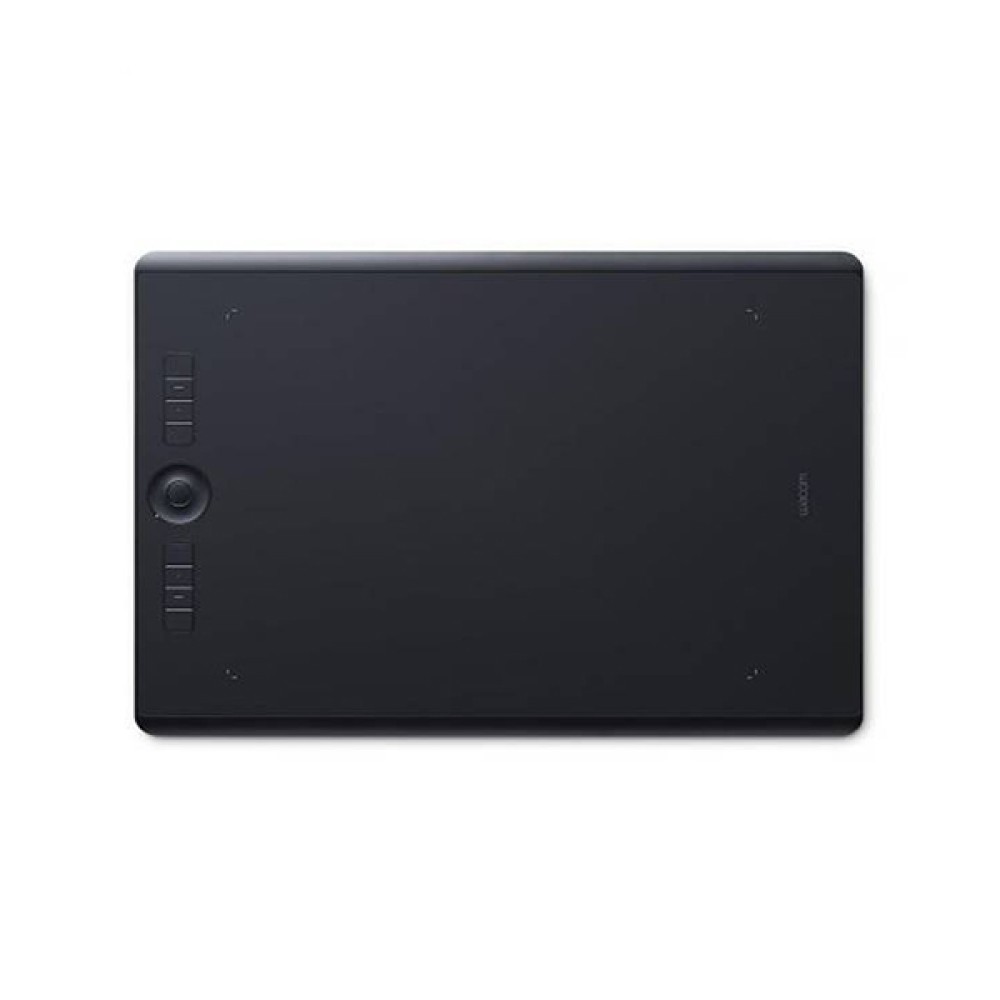
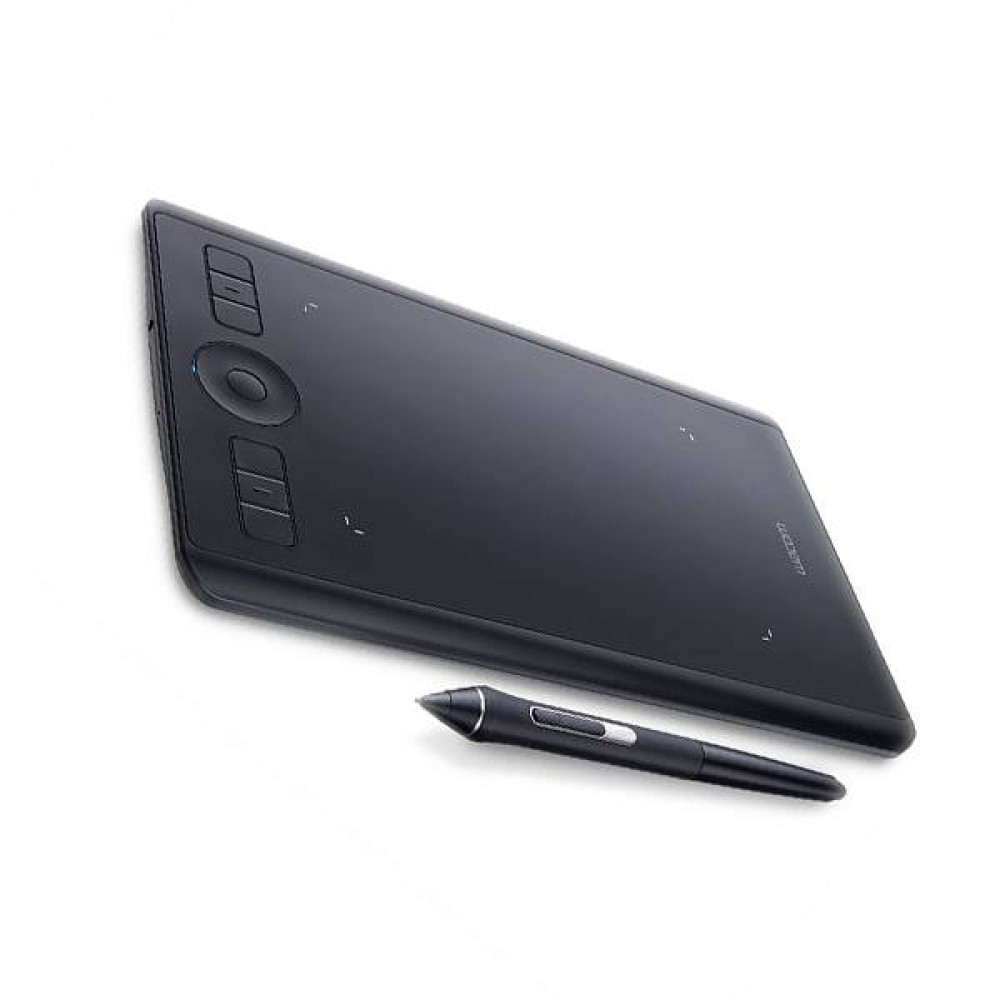
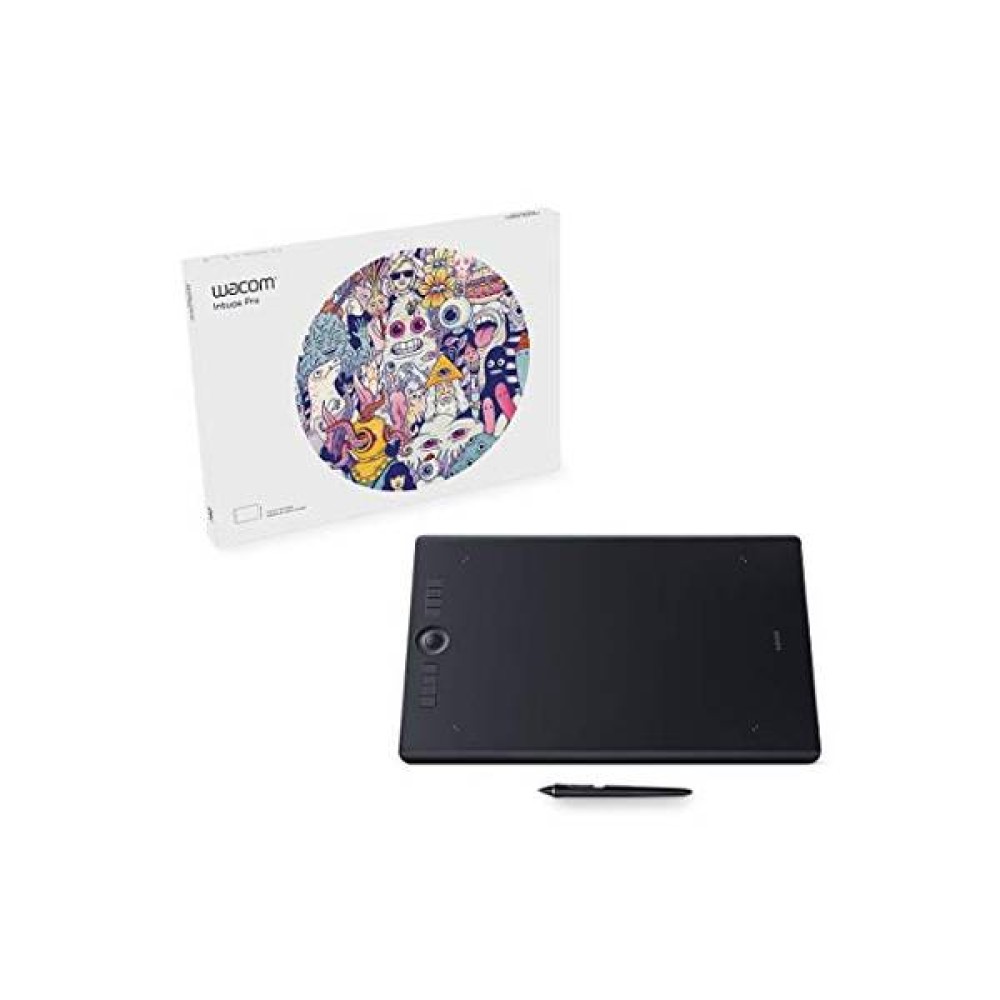
- Wacom Pro Pen 2 with 8,192 pressure levels — this is what lets a thin sketch line and a bold ink stroke come from the exact same pen, just by how hard you press. No more building up layers to fake variation.
- A battery-free, cordless stylus — you'll never hunt for a charging cable mid-project or feel extra weight in your hand from a built-in battery. Pick it up and it just works.
- +/-60 degree tilt recognition — angle the pen like a real brush or charcoal stick and the software actually responds to that tilt, which matters a lot if you do shading or calligraphy-style lettering.
- 8.7 x 5.8 inch active drawing area — big enough for detailed illustration and photo retouching without your wrist running out of desk space, but still compact enough to fit next to a keyboard.
- 8 customizable ExpressKeys plus a Touch Ring — shortcuts for zoom, undo, brush size, whatever you use most, sit right under your free hand so you're not constantly reaching for the keyboard.
- Multi-touch surface support — pinch to zoom or swipe to pan directly on the tablet when you want to skip the pen entirely for navigation.
- Built-in Bluetooth plus USB connectivity — work wireless when you want a clean desk, or plug in via USB when you need a rock-solid connection for long sessions.
- Slim, compact build at just 8mm thick and 700g — light enough to toss in a bag if you're moving between a studio and a client site.
- Broad software compatibility — works cleanly with Windows and macOS, so it slots into whatever creative suite you're already running.
Common Questions About the Wacom Intuos Pro Medium PTH-660
Is the Wacom Intuos Pro Medium good for beginners?
It's built for serious creative work, so there's a small learning curve, but the pen itself feels natural almost immediately. Anyone moving up from a mouse or an entry-level tablet will notice the difference in the first ten minutes.
Does it work without a computer, like a screen tablet?
No — this is a pen tablet, not a pen display. You draw on the surface while looking at your monitor, similar to how a trackpad works but with a pressure-sensitive pen instead of your finger.
Do I need to charge the pen?
No. The Wacom Pro Pen 2 is completely battery-free, so it's always ready and never adds extra weight for a battery.
Can I use it wirelessly?
Yes, it connects over Bluetooth for a cable-free setup, or you can plug in via USB if you want a more stable connection for longer sessions.
Is it compatible with Photoshop, Clip Studio Paint, and similar software?
Yes. It works with the major creative applications on both Windows and macOS, including Photoshop, Illustrator, Clip Studio Paint, and most 3D and video editing tools that support pen input.
You Might Also Like
If the pen pressure and tilt response on the Intuos Pro Medium win you over, it's worth also looking at the Wacom Intuos Pro Large — same ExpressKey and Touch Ring setup, but with more room to work across bigger canvases or multi-monitor layouts.
You'll find the full lineup, including this model, under the Wacom series. If you want to compare it against other brands and sizes first, browse the complete Graphics Tablet category, including the XP-Pen Tablet range for a more budget-friendly alternative. And if your creative setup extends to digital reading and note-taking too, Multimedia Kingdom's E Ink Devices collection is worth a look as well.
From Fighting the Mouse to Actually Creating
That first stroke I mentioned earlier? It's still how every session with this tablet starts — smooth, responsive, no fighting involved. If your own sketches have been stuck looking like they came out of a moving train, the Wacom Intuos Pro Medium PTH-660 is the tool that fixes that. Grab yours from Multimedia Kingdom and give your hand back the control it's been missing.