CZUR ET24 Pro – A Professional Book Scanner in Bangladesh | Multimedia Kingdom
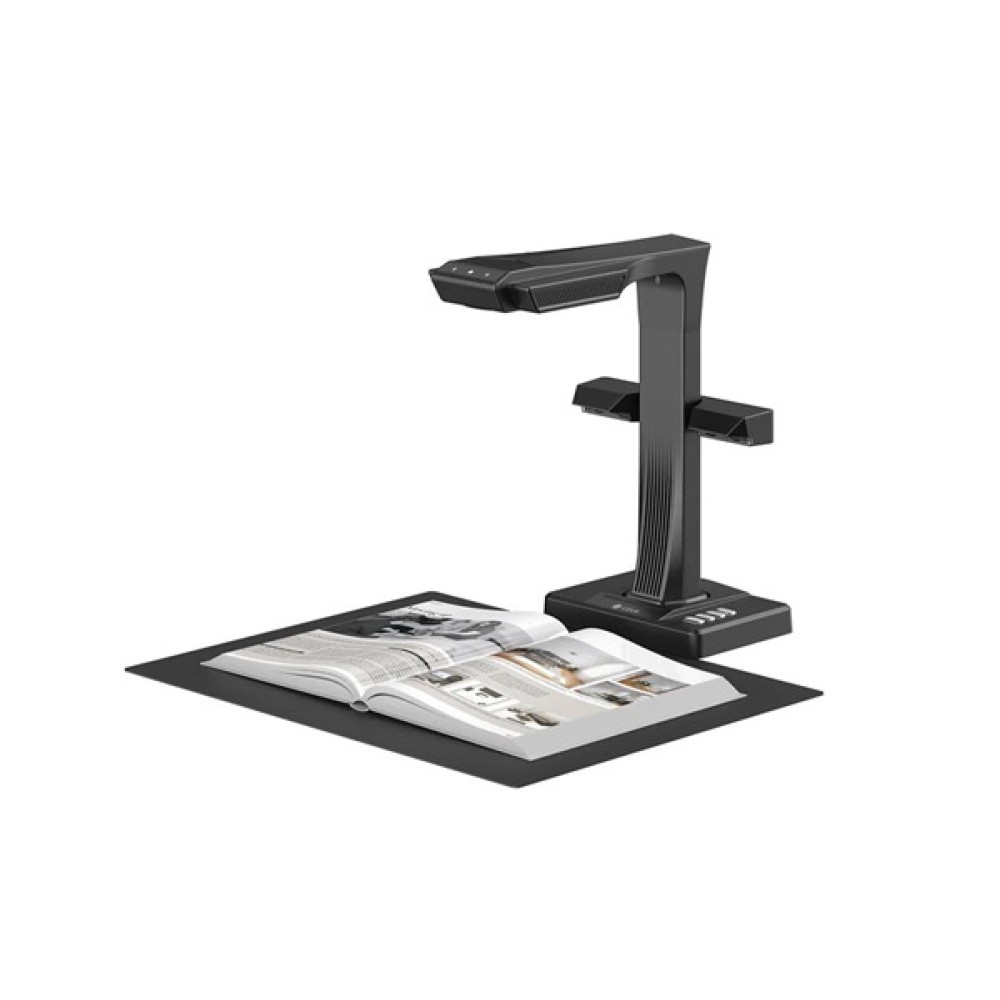
The CZUR ET24 Pro is a professional overhead A3 book and document scanner built for users who need to digitize books, documents, magazines, forms, invoices, certificates, business cards, and other materials efficiently. Powered by a 24MP CMOS sensor and 5696 × 4272 image resolution, it combines high-detail image capture with intelligent page-processing features, making it a practical choice for offices, libraries, educational institutions, researchers, archives, and professional document-management workflows.
Unlike a conventional flatbed scanner that requires every page to be positioned against a glass surface, the CZUR ET24 Pro uses an overhead scanning design. This makes it particularly useful when your workflow involves bound books, magazines, or documents that are inconvenient to scan one page at a time on a traditional scanner.
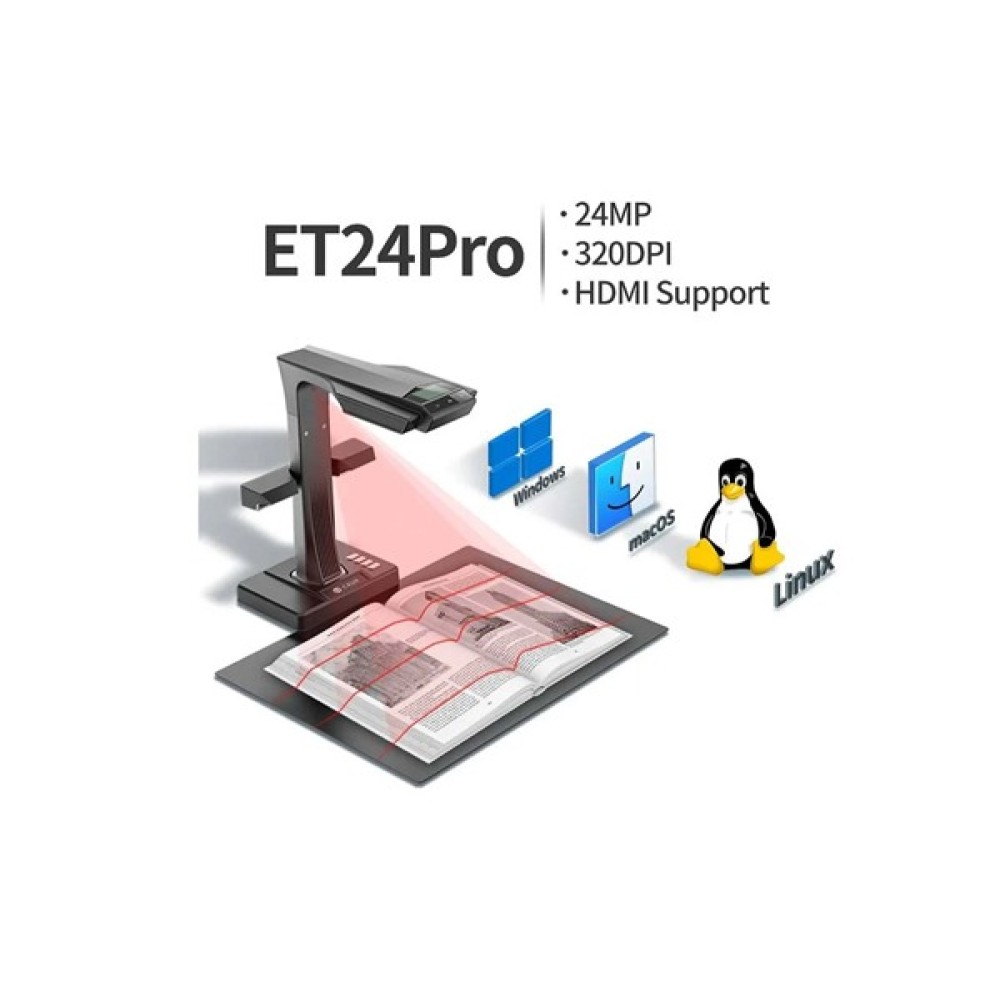
The ET24 Pro can capture documents up to A3 size and is equipped with a 24MP CMOS sensor capable of producing images at up to 5696 × 4272 pixels. Its optical resolution is specified at 320 DPI, while 24-bit color depth helps preserve color information in scanned materials.
CZUR also incorporates automated image-processing technologies into the ET24 Pro, including automatic curve flattening, page-turn detection, finger removal, page splitting, cropping, rotation, and tilt correction. These functions are designed to reduce the amount of manual editing required after scanning.
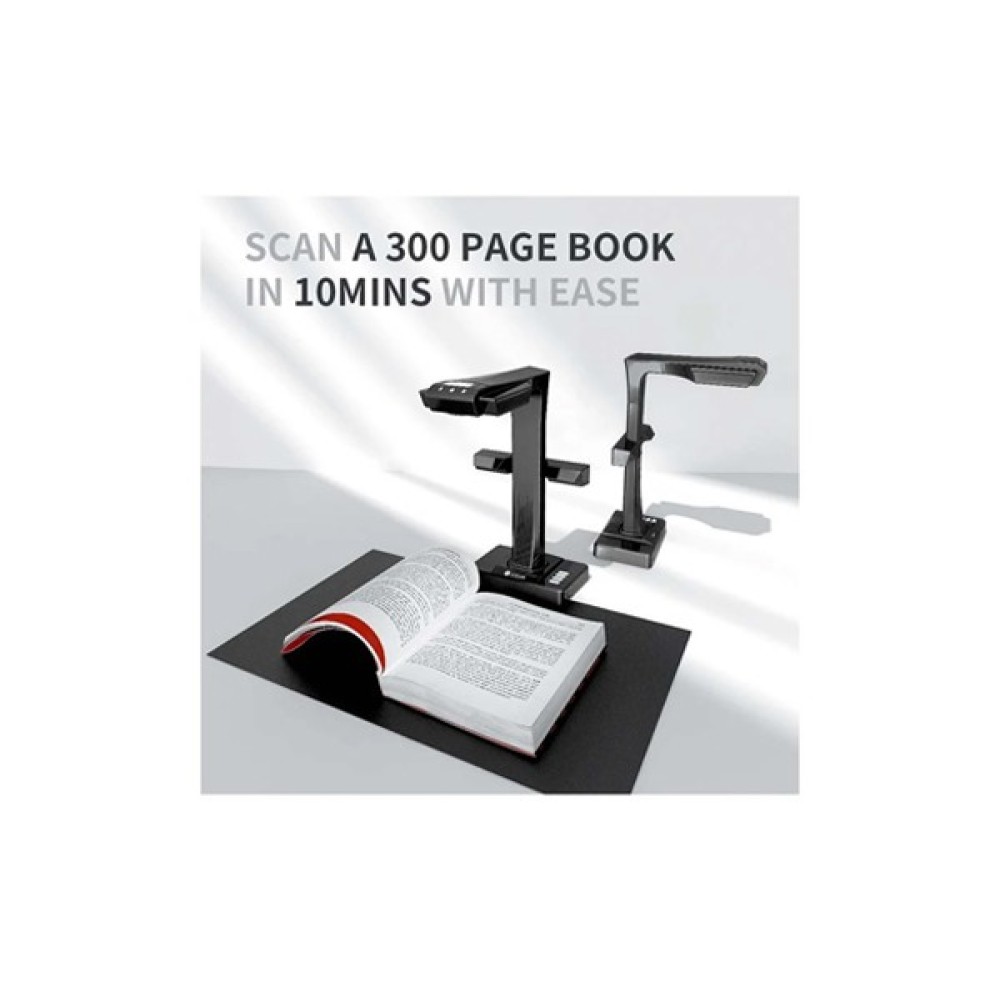
For users processing a large number of pages, its approximately 1.5-second scanning speed can make repetitive digitization considerably more efficient than slower scanning workflows.
Advanced Specifications & Benefits of this Product
24MP CMOS Imaging
The ET24 Pro uses a 24-megapixel CMOS sensor with a maximum pixel output of 5696 × 4272. This provides the detail needed for professional document capture, book digitization, and image-based archival work.
A3 Scanning Capability
The scanner supports documents up to A3 size (420 × 297 mm). This gives users more flexibility when working with larger forms, magazines, drawings, certificates, and other oversized documents.
Fast 1.5-Second Scanning
With a published scanning speed of approximately 1.5 seconds per scan, the ET24 Pro is designed for high-efficiency digitization. This is especially useful when scanning books or large document collections where individual page speed directly affects overall productivity.
Automatic Curve Flattening
Scanning an open book can produce curved text and distorted page edges. CZUR's automatic curve-flattening technology processes the captured pages to create a more usable digital representation.
Automatic Page Processing
The ET24 Pro supports automatic page-turn detection, page splitting, cropping, rotation, tilt correction, image trimming, and image standardization. These tools can reduce repetitive post-processing work.
OCR Support
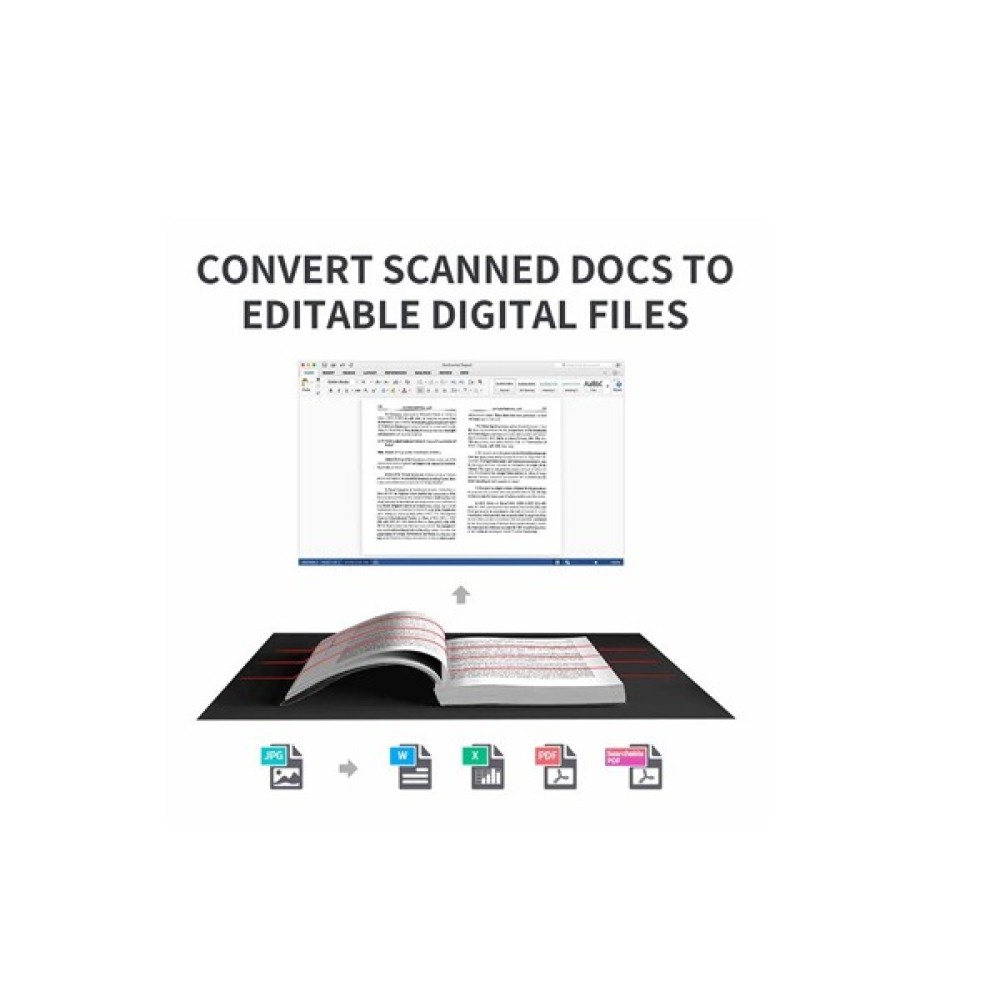
CZUR's software supports OCR recognition in 180+ languages, allowing scanned content to be converted into searchable or editable digital documents through supported export workflows.
Flexible Scanning Triggers
Scanning can be initiated through hand control, pedal control, the scanner button, software controls, or automatic scanning triggered by page turning. This gives users more control over different scanning workflows.
What Can You Do With This Product?
The CZUR ET24 Pro can support a wide range of digitization tasks, including:
-
Converting books into digital archives.
-
Scanning A3 documents and larger-format paperwork within its supported area.
-
Digitizing magazines, forms, invoices, and certificates.
-
Creating searchable documents through OCR.
-
Preserving educational and research materials digitally.
-
Digitizing business cards and other small printed materials.
-
Creating digital records for office documentation.
-
Using the scanner as a PC visual presenter for supported presentation workflows.
For libraries and archives, the overhead format is particularly useful when the material being digitized is bound rather than made up of loose sheets.
Who Should Buy the CZUR ET24 Pro?
The ET24 Pro is best suited to users who scan books and documents regularly, rather than someone who only needs occasional household scanning.
It can be a suitable option for:
-
Libraries: Digitizing books and reference materials.
-
Universities and research centers: Creating digital copies of academic resources.
-
Schools and teachers: Preparing digital educational materials.
-
Offices: Converting paperwork into organized digital records.
-
Legal and professional firms: Digitizing contracts and documentation.
-
Archives: Preserving printed materials in digital form.
-
Researchers and professionals: Working with books and documents as part of ongoing projects.
What Makes the CZUR ET24 Pro Worth Considering?
The strongest reason to consider the ET24 Pro is its combination of book-friendly overhead scanning, A3 support, 24MP imaging, rapid capture, OCR, and automated image processing.
Instead of choosing separate equipment for books and larger documents, users can use one scanner for multiple digitization requirements. Its automated processing is also valuable for people who want to spend less time correcting every scanned page manually.
Why Multimedia Kingdom is the Only One trusted Shop in Bangladesh?
Multimedia Kingdom currently lists the CZUR ET24 Pro with online ordering, EMI payment options, and warranty excluding the adapter. The product is currently listed as pre-order, and Multimedia Kingdom recommends confirming availability before completing a purchase.
FAQs
What is the CZUR ET24 Pro used for?
The CZUR ET24 Pro is designed for digitizing books, documents, magazines, forms, invoices, certificates, business cards, and other supported materials.
Can the CZUR ET24 Pro scan A3 documents?
Yes. It supports a maximum flat document size of A3, 420 × 297 mm.
What resolution does the CZUR ET24 Pro provide?
The scanner uses a 24MP CMOS sensor and provides a maximum image resolution of 5696 × 4272 pixels. Its default optical resolution is 320 DPI.
How fast is the CZUR ET24 Pro?
Its published scanning speed is approximately 1.5 seconds per scan.
Does the ET24 Pro have OCR?
Yes. CZUR specifies OCR recognition for 180+ languages through its supported software workflow.
Can it scan books?
Yes. The ET24 Pro is specifically categorized as a document and book scanner and includes automatic curve-flattening technology designed for book-page scanning.
How does the scanner connect to a computer?
The ET24 Pro uses a USB 2.0 High-Speed interface.
Find more Products Collection at Multimedia Kingdom
CZUR Shine Ultra 1400A3 Pro — A related CZUR scanning solution worth comparing when evaluating professional document and book digitization options.
CZUR Scanner — Browse the complete CZUR scanner range available from Multimedia Kingdom Bangladesh.
Office Equipment — Explore dedicated document-scanning solutions for offices, institutions, and professional workflows.
Scanner — View the broader scanner category and compare different scanning solutions.