
.jpg)
Joyusing
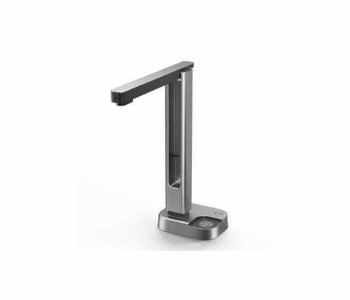
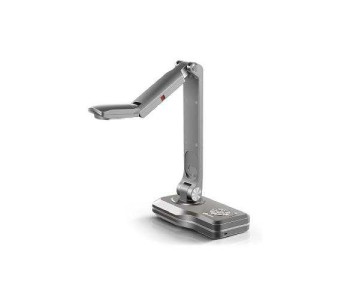
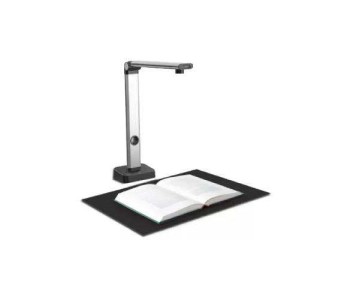
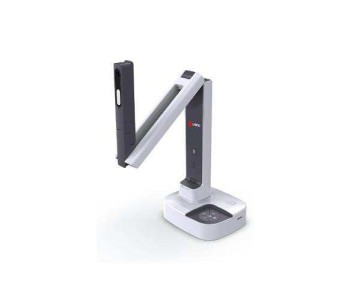
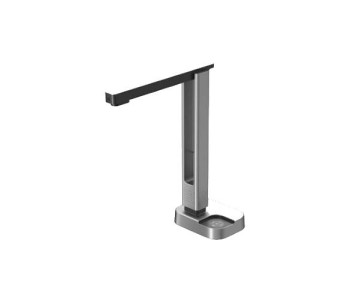
Joyusing in Bangladesh: Smart Scanning and Imaging Tools from the Maker, Brought to You by Multimedia Kingdom
Joyusing is a technology manufacturer that builds devices for people who work with paper, pages and live video. Its range covers book scanners, document scanners, document cameras and webcams. Multimedia Kingdom brings these devices to schools, offices, libraries and creators across Bangladesh, with honest advice and friendly support. On this page you can learn what Joyusing makes, who it is made for, and how to pick the right model without confusion.
Who Is Joyusing and What Does the Brand Make?
Joyusing is a manufacturer focused on one clear idea: turning real-world paper and objects into clean digital files. The company builds its devices around high-resolution cameras, smart software and simple USB connection. You do not need to be a tech expert to use them.
The Joyusing family includes several product groups:
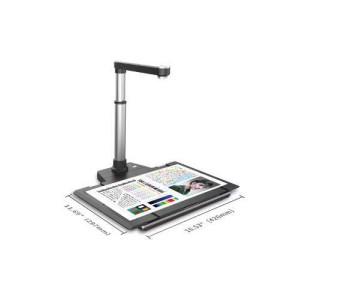
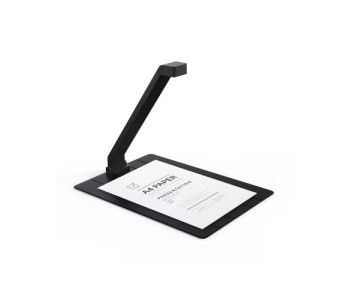
- Book scanners and large-format document scanners for digitizing bound books, files and archives
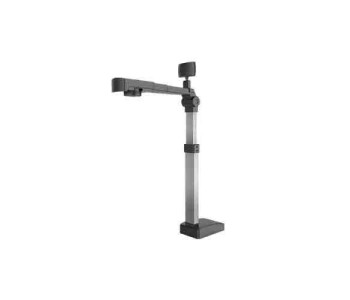
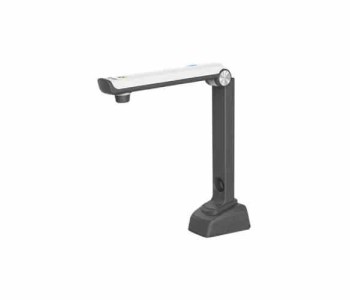
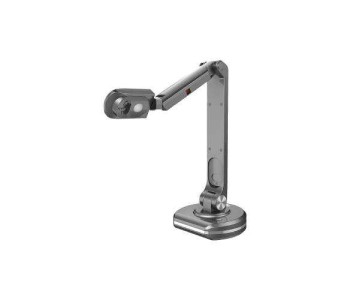
- Document cameras, also called visual presenters, for classrooms, training rooms and online teaching
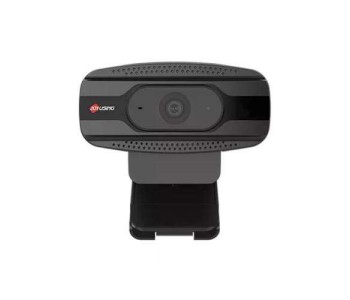
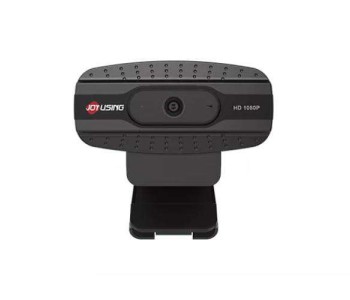
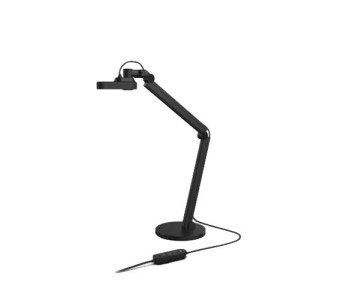
- Webcams and video bars for meetings and live sessions
- Signature pads for capturing signatures and verifying identity
Each group solves a real problem. A teacher needs to show a textbook page to a full class. A librarian needs to save an old book without damaging the spine. A bank officer needs to scan an ID card in seconds. Joyusing builds tools for exactly these moments.
Why Joyusing Works So Well for Bangladeshi Users
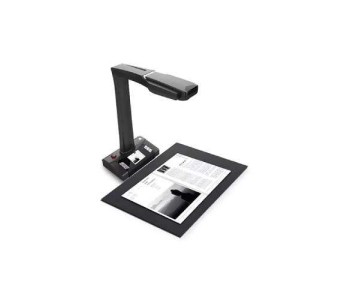
Paper is still everywhere in Bangladesh. We have certificates, land papers, office files, exam copies, old magazines and family documents. Many people want to keep a digital copy but do not want to cut a book or damage a page. Joyusing's overhead scanning style solves this. You place the book under the camera, and the software captures the page. Your book stays safe.
For Schools, Colleges and Universities
Teachers can show handwritten notes, textbook pages, science models and student work on a big screen. Students at the back of the room see everything clearly. For online classes, the same device helps teachers explain things live.
For Libraries and Archives
Libraries hold rare books, old newspapers and research papers. Joyusing scanners help staff create digital copies without pressing the pages flat on glass. This protects fragile material and saves time.
For Offices, Banks and Government Work
Offices handle contracts, receipts, forms and ID cards every day. A fast desktop scanner reduces manual work and makes it easy to search, store and share files later.
For Researchers, Students and Content Creators
Researchers can turn printed material into editable text. Students can keep digital copies of notes. Creators can show products, drawings or paper work in live videos.
Popular Joyusing Models Available at Multimedia Kingdom
Joyusing has more than one model because every user has a different need. Here are five models that people often look at first.
Joyusing L140 Portable Book Scanner
The L140 is a good starting point. It has a 14MP sensor and 4320 x 3240 resolution, with modes for documents, books and ID cards. It suits small offices, students and anyone who wants a lighter setup.
Joyusing V320 USB Book Scanner
The V320 is a balanced choice for daily work. It has a 16MP sensor and 4608 x 3456 resolution, and it supports document, book and ID card scanning. It works well for schools, offices and small libraries.
Joyusing V320 Pro Book Scanner
The V320 Pro keeps the 16MP sensor and adds features for heavier work, such as laser-assisted page flattening, dimmable lighting and both pedal and hand control. It is a strong choice for people who scan many pages every day.
Joyusing V160 Pro Smart Book Scanner
The V160 Pro steps up to an 18MP sensor and 4896 x 3672 resolution. Fine text, small print and detailed images look sharper. It suits institutions that care about quality.
Joyusing V180 Book Scanner
The V180 is the top model in this group. It has a 22MP sensor and 5424 x 4068 resolution, with a V-type cradle that supports bound books gently. It is built for archives, large libraries and professional digitization projects.
How to Choose the Right Joyusing Device
Many buyers feel confused when they see so many models. Use these simple questions to decide.
What Will You Scan Most?
If you scan loose papers and ID cards, a compact model is enough. If you scan thick books every day, choose a model with better page support and flattening.
How Many Pages Per Day?
For a few pages a day, a basic model works fine. For hundreds of pages, pick a Pro or professional model so your team works faster and with less effort.
How Sharp Should the Image Be?
Higher megapixels give more detail. If you scan old books, small text or important records, choose a higher resolution model.
Do You Need Scanning or Live Display?
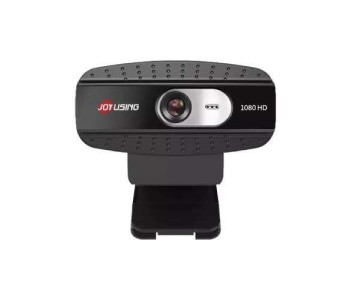
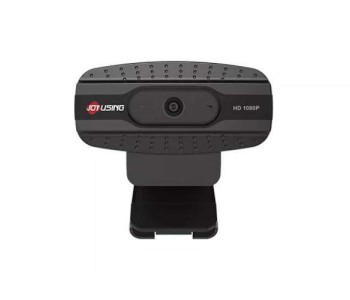
If you want to save pages as files, look at the Joyusing document scanner range. If you want to show pages live in a classroom or meeting, explore the Joyusing document camera range. For clear video calls and online sessions, see the Joyusing webcam collection.
Explore More Related Collections
Joyusing devices fit inside a bigger digital workflow. You can browse our full scanner collection or go straight to the book scanner category to see everything in one place. Creative people who also draw or design can look at our graphics tablet range. Readers who love digital books can explore our eReader collection.
Pre-Order or Buy Ready Stock: Your Choice
Some Joyusing models arrive on order, and some may be available at the moment. You can place your request from our pre-order page, or check what is available right now on our ready stock page. If you are not sure which way is better for you, our team will guide you in simple words.
Frequently Asked Questions About Joyusing
What does Joyusing make?
Joyusing makes book scanners, document scanners, document cameras, webcams, video bars and signature pads. Its main focus is digitizing paper and showing real objects on screen.
Is a Joyusing book scanner safe for old books?
Yes, that is one of its biggest strengths. You do not need to cut, press or open the book completely. The overhead camera captures the page while the book rests naturally.
Can I turn scanned pages into editable files?
Many Joyusing models come with software that can save scans in formats such as PDF, Word, Excel and TXT. Please check the product page of your chosen model for exact features.
Is it easy to set up?
Yes. Most models connect through USB. You install the software, connect the device and begin scanning.
Which Joyusing model should a beginner choose?
Start with a compact model if your work is light. Move up to a Pro or professional model if you scan books or large files every day.
What if my pre-ordered product is not available?
At Multimedia Kingdom, your pre-order comes with a money-back guarantee if the product cannot be supplied.
Why Multimedia Kingdom Is Your Best Place for Joyusing
Buying technology is not only about the product. It is also about who stands behind it. This is where Multimedia Kingdom is different.
- 26 Years of Experience in the Tech Field : We have worked in technology for 26 years. We have seen trends change, and we know what customers truly need. This experience helps us recommend the right product, not the most expensive one.
- Pioneer of Graphics Tablet and eReader in Bangladesh : We were among the first to bring graphics tablets and eReaders to Bangladeshi users. That early trust is the reason many customers return to us for every new device.
- Friendly Support Before and After You Buy : Our team listens first and answers in simple language. Whether you are choosing a model or need help after purchase, you will find a calm and helpful voice.
- Pre-Order with Money-Back Guarantee : We are a trusted place to pre-order. If the product you ordered is not available, you get your money back. Your payment stays protected, and you can order with confidence.
Joyusing gives you the technology. Multimedia Kingdom gives you the trust, guidance and support to use it well.