

Features
Joyusing V320 Pro Book Scanner — A3 Document & Book Scanner
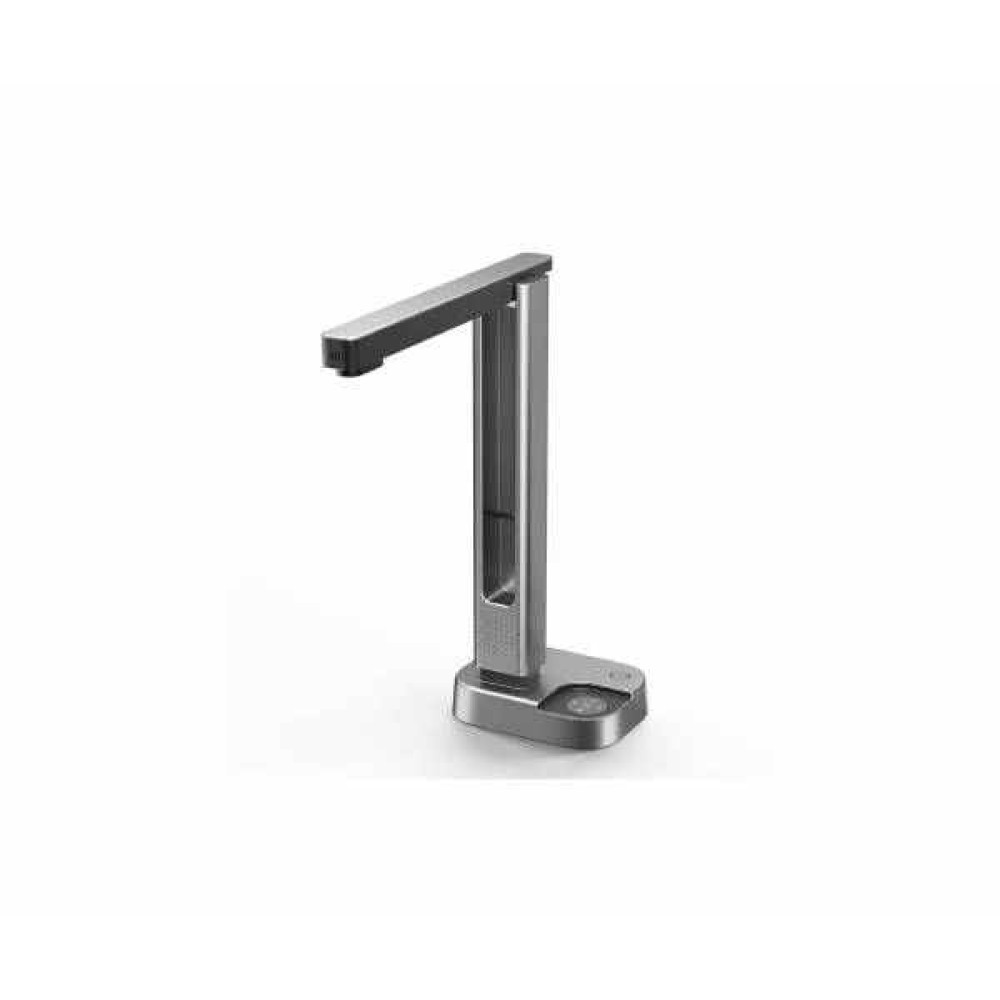
Joyusing V320 Pro Book Scanneris an overhead-style document camera scanner designed for people who need to convert physical pages into clean digital files quickly — without cutting bindings, without flattening books by force, and without waiting minutes per page.
This scanner is not aimed at casual home users who scan a stray receipt once a month. It's for people with recurring, volume-based scanning needs: office administrators archiving files, library and school staff digitizing collections, researchers copying reference books, and small businesses converting paper records into searchable digital formats.
.jpg)
Features That Matter Most
16MP CMOS Sensor (4608×3456 resolution)— Captures fine text and image detail at high resolution. This matters because low-resolution scans blur small fonts and fine print, which is a common complaint with basic webcam-style scanners. Anyone digitizing text-heavy books or legal documents benefits from this.
Laser-Assisted Flattening & Auto-Deskew— Automatically corrects the curve that appears near a book's spine and straightens tilted pages. This solves the single biggest quality issue in overhead book scanning — distorted, unreadable text along the gutter — and benefits anyone scanning bound books rather than loose sheets.
A3/A4 Capture Switching— Physical buttons let you toggle capture area instantly. This matters for offices and libraries handling mixed document sizes (contracts, ledgers, oversized reports) without needing a separate large-format scanner.
Multi-Language OCR (180+ languages)— Converts scanned images into editable, searchable text in Word, Excel, or TXT formats. This benefits researchers, students, and administrative staff who need to search or edit content rather than just store a picture of it.
Dimmable LED Lighting— Adjustable brightness reduces glare on glossy pages and photos. Photography and archival users scanning printed images benefit most from this control.
Pedal and Hand Controls— Frees up hands for page turning during long scanning sessions. This matters for anyone processing dozens or hundreds of pages, where shaving even a second per page adds up.
How it is Used for Everyday and Professional Use
In an office setting, the V320 Pro is useful for converting paper contracts, invoices, and reports into searchable PDFs for digital filing. In education, teachers and students can digitize textbook chapters or handwritten notes for study or sharing. Libraries and archives can use it for controlled digitization of reference books without exposing spines to flatbed pressure. Small business owners can use it to build a digital backup of physical records for compliance or backup purposes.
.jpg)
.jpg)
Who Should Buy It?
This scanner suits office administrators managing recurring document digitization, school and university staff building digital archives, small business owners moving toward paperless records, and researchers or students who need searchable OCR text from printed material rather than static images.
Buying Guideline of this Product
Before purchasing a book or document scanner, check the maximum capture size (A4 vs A3) against the largest documents you handle. Confirm OS compatibility with your existing computer. Look at scan speed if you're processing high page volumes regularly. Check whether OCR is included if you need editable or searchable text output. Consider whether a pedal or hands-free control matters for your workflow, and verify what export formats are supported for your intended use — archival, sharing, or editing.
Why Multimedia Kingdom Is a Trusted Choice for This Product
Multimedia Kingdom is an authorized Joyusing retailer in Bangladesh, offering the full Joyusing book scanner lineup alongside related office equipment like document scanners, projectors, and conference systems. Buyers get access to EMI payment options across major Bangladeshi banks, a physical showroom in Dhaka for hands-on inspection, and direct pre-purchase support through phone and WhatsApp. Because availability on pre-order items can shift, the team recommends confirming stock before finalizing an order.
Frequently Asked Questions
Does the Joyusing V320 Pro work without a computer?
No. It connects via USB and requires a Windows or macOS computer running the BookScan software to capture and process scans.
Can it scan thick, bound books without damaging the spine?
Yes. Its overhead camera design with laser-assisted flattening is built specifically to scan open books without pressing them flat, reducing spine stress.
What's the maximum document size it can scan?
It supports both A4 and A3 capture, switchable with a physical button, covering most office documents, textbooks, and larger reports.
Does it support OCR for editable text?
Yes, it includes multi-language OCR that can convert scans into searchable, editable Word, Excel, or TXT files.
How fast is the scanning process?
Capture speed is approximately 1.2 seconds per page, making it considerably faster than manual flatbed scanning for multi-page jobs.
Is this suitable for scanning old or fragile documents?
The non-contact overhead design avoids pressing down on pages, which can be gentler on fragile or bound material compared to flatbed scanning, though extremely delicate items may still need careful manual handling.
What's the difference between the V320 Pro and the V320 Plus?
The V320 Plus includes a built-in preview screen for more standalone operation, while the V320 Pro relies on a connected computer and software for preview and processing.
Can I buy this on EMI in Bangladesh?
Yes, Multimedia Kingdom offers EMI plans through multiple partner banks for this product, with monthly installment options available at checkout.
Explore also Related Product:
Joyusing L140 Portable Book Scanner— a lighter, more compact alternative for buyers prioritizing portability over A3 capacity.
And Also Categories:
Book Scanner Category | Joyusing Brand Store | All Scanner Category