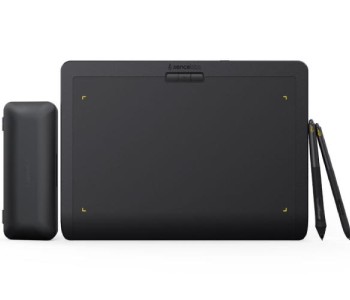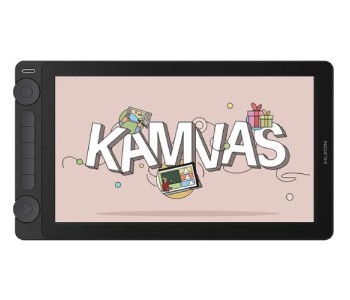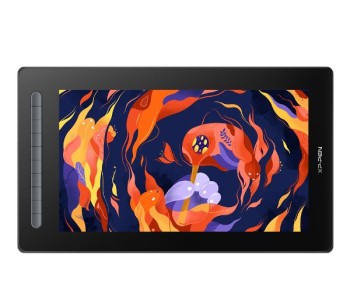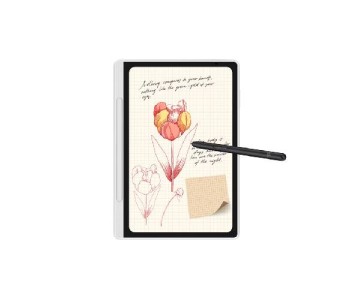

Tablet
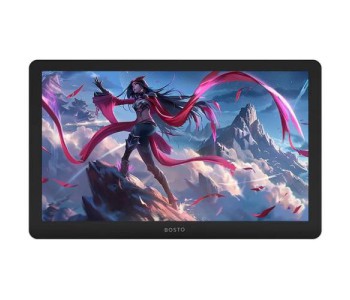
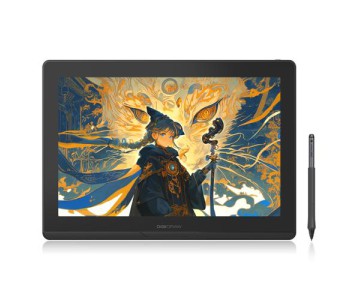
- Active Area : 11.60" x 6.54″
- Pen Pressure : 16384
- Express Keys : 8
- Resolution : 1920 x 1080
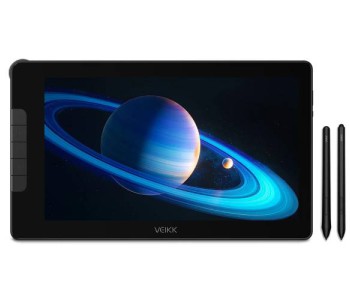
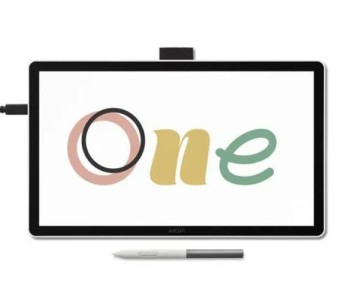
- Active Area : 11.5″ X 6.5″
- Pen Pressure : 8192
- Express Keys : 4
- Resolution : 1920 x 1080 (16:9)FHD
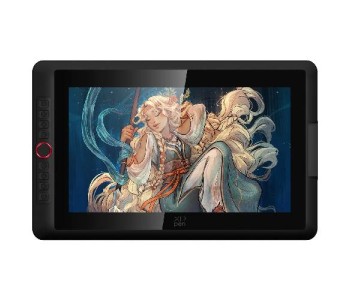
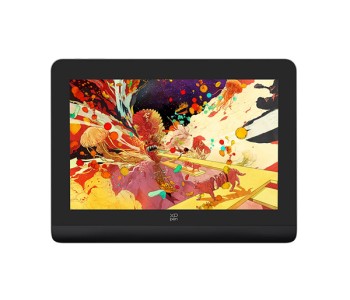
- Active Area: 10.33″ x 5.8″
- Pen Pressure: 8192
- Express Keys: 3
- Compatibility: Win, MAC
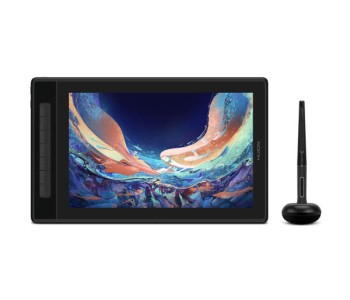
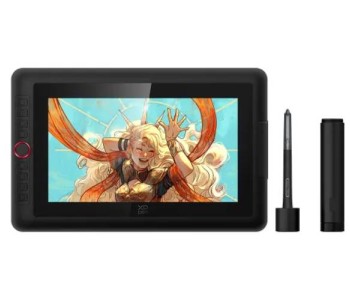
- Active Area : 11.5" x 6.5"
- Pen Pressure : 16384
- Express Keys : 5 + 2 Dial
- Resolution : 1920 x 1080(16:9)FHD
- Active Area : 13.42″ X 7.55″
- Pen Pressure : 8192
- Express Keys : 10
- Resolution : 1920 x 1080(16:9)FHD
- Active Area : 11.6″ X 6.5″
- Pen Pressure : 4096
- Express Keys : None
- Resolution : 1920 x 1080 (16:9)FHD
- Active Area: 10.33″ x 5.8″
- Pen Pressure: 8192
- Express Keys: None
- Compatibility: Win, MAC, Linux
- Active Area : 5.82" x 9.29"
- Pen Pressure : 16384
- Battery: 8000 mAh
- Refresh Rate: 90Hz
- Screen Size: 18.5 Inch
- Pen Pressure: 16384
- Resolution: 1920 x 1080
- Read Speed: 220PPS
- Screen Size: 18.5 Inch
- Pen Pressure: 16384
- Resolution: 1920 x 1080
- Read Speed: 220PPS
- Active Area: 13.5″ × 7.6″
- Pen Pressure: 16384
- Express Keys: 5+1 Dial
- Resolution : 1920 x 1080(16:9)FHD
- Active Area : 10.1″ X 5.7″
- Pen Pressure : 4096
- Express Keys : None
- Resolution : 1920 x 1080 (16:9)FHD
- Active Area : 13.5″ x 7.6″
- Pen Pressure : 16384
- Express Keys : 8
- Resolution : 1920 x 1080(16:9)FHD
- Active Area : 13.5" x 7.6"
- Pen Pressure : 8192
- Express Keys : 6
- Resolution : 1920 x 1080 (16:9)FHD
- Active Area : 8.7" x 5.8"
- Pen Pressure: 8192
- Express Keys: 8
- Compatibility: Win, MAC
- Active Area : 11.2" x 7"
- Pen Pressure : 8192
- Express Keys : 7
- Resolution : 2560 x 1600(16:10)QHD+
- Active Area : 11.28″ x 7.05″
- Pen Pressure : 16384
- Resolution : 2560 x 1600
- Compatibility: Win, MAC, Android
- Screen Size: 10.95-inch
- Pen Pressure: 4096
- OS Compatibility: Android 14
- Resolution : 1920x1200 QHD
- Active Area : 12.2" x 6.9"
- Pen Pressure : 4096 levels
- Screen: 14" Full HD Display
- Resolution : 1920 x 1080
- Active Area : 11.7" x 7.35"
- Pen Pressure : 16384
- Express Keys : None
- Resolution : 1920 X 1200(16:9)FHD
Tablet Price in BD : Explore all Premium Quality Graphics & Drawing Tablets at Multimedia Kingdom with Budget-Friendly Price
Want to draw, write or sign on your computer as easily as you do on paper? Multimedia Kingdom's tablet category has pen tablets, pen displays, smart notepads and signature pads from Wacom, Huion, XP-Pen and more. The tablet price in BD starts from BDT 2,400 and goes up to BDT 4,40,000, depending on brand, specification and model. Prices change frequently because of market rates, stock and offers, so check the live price on this page before you buy. The price shown on the product page is the actual and final price.
Quick Summary
- What you get: pen tablets, pen displays, notepads, signature pads and light pads.
- Brands: Wacom, Huion, XP-Pen, Veikk, Xencelabs, Parblo, Ugee, Bosto, Acepen, Digidraw and Mooiuu.
- Best for: digital artists, photo editors, animators, students and online teachers.
- Warranty: 100% genuine brand products, Authorized Distributor, Warranty comes from the manufacturer and differs from product to product.
- Support: 26 Years of Tech Experience, Always Friendly Support, Dhaka showrooms, delivery across Bangladesh and a 24-hour Service.
What Is a Tablet? Understanding Tablet Price in BD
Quick note first: this is not the place for Android tablets or iPads. Here, a tablet means a flat board you draw or write on with a special pen, and your computer shows the result.
Many people search for tablet price in BD and expect a big-screen phone. These products are tools for work and creativity. You connect them to a Windows or Mac computer, and many models also work with Android devices.
Who uses them? Freelance designers, illustrators, photo editors, animators, art students and online teachers.
Types of Tablets Available in Bangladesh
There are four main types, and each one suits a different job. That is also why the tablet price in BD changes from one type to another.
Graphics Tablets (Pen Tablets and Pen Displays)
A pen tablet has no screen. You draw on the board and watch your monitor. A pen display has its own screen, so you draw right on the picture. Browse all graphics tablets, from small 4 x 3 inch boards to 27 inch displays.
Smart Notepads
A smart notepad lets you write on normal paper, and your handwriting goes to your phone or computer. Have a look at the smart notepads from Huion and XP-Pen.
Signature Pads
A signature pad saves your handwritten signature on a digital file. Offices use it to sign papers without printing. See the signature pads from Wacom and ePadLink.
Light Pads
A light pad is a thin board with a bright LED surface. Put paper on top and tracing becomes easy. Check the light pads here.
Key Features to Check Before Buying
Look at these five things before you pick a model. They decide how the tablet feels and how tablet price in BD changes.
- Pressure levels: 8,192 or more gives smooth shading. Many models here go up to 16,384.
- Active area: this is your drawing space. 6 x 4 inches is easy to carry. 10 x 6 inches gives your hand more room.
- Resolution: for pen displays, 1920 x 1080 is common. 4K shows sharper detail.
- Express keys: shortcut buttons for undo, zoom and brush size. Some models have none.
- Compatibility: make sure it works with your Windows, Mac or Android device.
How to Choose the Right Tablet
Not sure where to start? Follow these steps before you compare tablet price in BD.
- Know your purpose. Learning, photo editing and client work need different tools.
- Choose pen tablet or pen display. Pen tablets are simpler and help you learn. Pen displays feel closer to real paper.
- Think about your desk. A big tablet on a small desk hurts your wrist.
- Check your software. Photoshop, Illustrator, Clip Studio Paint and Krita work with most brands.
- Compare brands. Our Wacom vs Huion vs XP-Pen guide explains the difference in Bangla.
Top Tablet Brands at Multimedia Kingdom
The brand you choose affects pen quality, driver support, warranty terms and tablet price in BD.
- Wacom: known for precise pens and stable drivers. Series include One, Intuos and Cintiq. See Wacom tablets.
- Huion: popular for Inspiroy pen tablets and Kamvas pen displays. Browse Huion tablets.
- XP-Pen: offers Deco pen tablets and Artist pen displays. Explore XP-Pen tablets.
Tablet Comparison Table
| Type | Best Use Case | Key Spec to Check | Ideal User |
|---|---|---|---|
| Pen tablet | Drawing, photo editing, handwriting on PC | Active area, pressure levels | Beginners, students |
| Pen display | Drawing directly on screen | Resolution, screen size | Illustrators, animators |
| Smart notepad | Paper notes sent to a device | Paper size, sync method | Note-takers |
| Signature pad | Digital signing | Screen type, software support | Offices, service desks |
| Light pad | Tracing and sketching | Brightness, size | Animators, craft makers |
Tablet Price in BD: What Makes It Go Up or Down?
Four things matter most: brand, display type, pen technology and size. Small pen tablets sit at the entry end, and large pen displays sit at the top. Always check the live price on the product page before you order.
Why Should You Buy from Multimedia Kingdom?
The store sells brand products, and warranty follows the manufacturer's terms. Here is what the website says:
- Check at the showroom: inspect the product in front of the salesperson before you pay.
- Report defects fast: for online orders, call the 24-hour hotline after delivery.
- Know the exclusions: the stylus has no warranty, and cable or port wear is not covered.
Please read the return and refund policy before you pay.
Tablet Care, Maintenance & Usage Tips
A little care keeps your tablet working for years.
- Wipe the surface with a dry, soft cloth.
- Change worn nibs early, because a rough nib can scratch the glass. You can find spares in tablet accessories.
- Update drivers from the maker's website after a big Windows or Mac update.
- Handle the cable gently, as port wear is not covered by warranty.
Frequently Asked Questions About Tablet Price in BD
1. What is the tablet price in BD at Multimedia Kingdom?
The starting and top price range is given at the beginning of this page. The final price depends on brand, size and type. Prices change with market rates, stock and offers, so always check the live price on the product page before ordering.
2. Does Multimedia Kingdom sell Android tablets or iPads?
No. This category is only for pen tablets, pen displays, smart notepads and signature pads. These are creative and office tools, not general-use tablets. If you want a device mainly for videos or browsing, please buy it from another shop.
3. Which tablet is best for beginners?
A small pen tablet from Huion, XP-Pen or Veikk is a good start. Look for 8,192 pressure levels and a 6 x 4 inch active area. Smaller models are easy to carry, take little desk space and are simple to learn on.
4. What is the difference between a pen tablet and a pen display?
A pen tablet has no screen, so you look at your monitor while drawing. A pen display shows the picture right under your pen. Pen displays feel closer to paper, while pen tablets take less space and suit new learners.
5. Do these tablets come with a warranty?
Warranty is provided by the manufacturer, so terms differ by product. The stylus has no warranty, and cable or port wear from long use is not covered. Read the return and refund policy before ordering, so you know what is covered.
6. Can I use a drawing tablet with an Android phone?
Many models support Android, but not all of them. Compatibility is written in each product's specifications, next to Windows and Mac support. Please confirm it before ordering, because products that do not support your device cannot be returned or exchanged.
7. What should I do if my tablet arrives defective?
Call the 24-hour hotline right after delivery. The product is then sent to the Kazi Bhaban office, where experts check it for replacement. Do not accept a courier parcel that is broken or torn, because later complaints are not accepted.
Are You Ready to Choose Your Tablet?
Now you know what shapes the tablet price in BD: the type, the brand and the specifications. Pick the tool that fits your work, confirm it works with your device, then visit our Dhaka showroom or order online. We Multimedia Kingdom's team is happy to help you choose.