
-1000x1000w.jpg "CZUR M3000 Pro V3 Document Scanner")

-80x80w.jpg "CZUR M3000 Pro V3 Document Scanner")


Features
CZUR M3000 Pro V3 Document Scanner : Top Trending Quality Products at Multimedia Kingdom
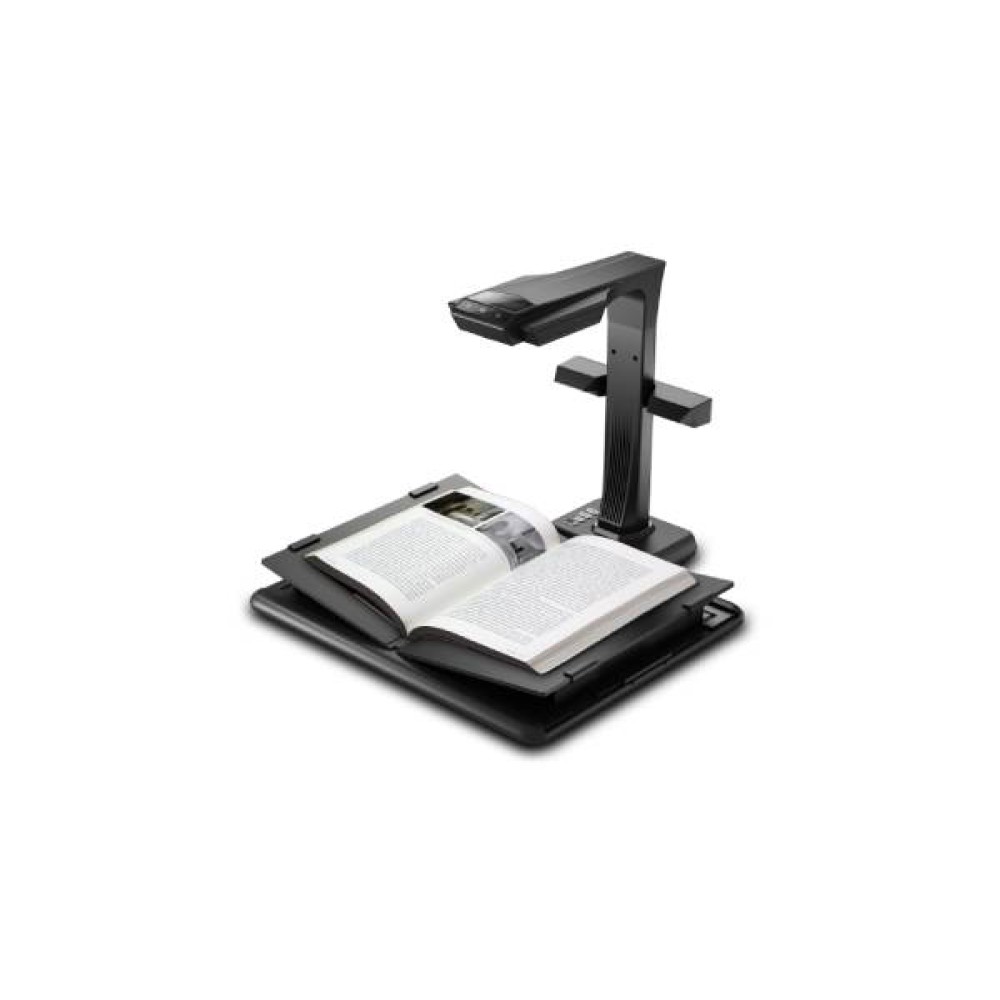
Institutions that need to turn stacks of paper into clean digital files without tearing books apart usually land on the CZUR M3000 Pro V3. It captures pages from above using a 48MP camera, reaching a maximum resolution of 7936 × 5952 pixels (about 470 DPI), and handles flat sheets up to A3 and open books up to A4 in roughly 1.5 seconds per page. Add in automatic OCR, a spine-friendly cradle, and pedal or button-triggered scanning, and it becomes a practical tool for archives, offices, and libraries handling large batches of paperwork.
.jpg)
What Is CZUR M3000 Pro V3 Used For?
Rather than pressing pages flat under a glass bed, this scanner photographs documents from an overhead position — which opens up a wider set of use cases:
- Digitizing bound books and old manuscripts without cracking the spine or removing pages
- Building searchable archives out of certificates, legal paperwork, forms, and historical files
- Handling everyday office paper— invoices, contracts, ID cards, business cards — and turning them into organized digital records
- Running live document displays during lectures, training sessions, or service counters, thanks to its HDMI presenter mode
In short, it's not just a scanner — it doubles as a live visual presenter for anyone who needs to show physical items on a screen in real time.
Why Choose CZUR M3000 Pro V3?
The short answer: it saves the manual cleanup work that usually follows a scan. A 48MP sensor captures pages at a resolution sharp enough for archival-quality reproduction, but the bigger advantage is what happens after the image is captured. The V-shaped cradle combined with 3-laser curve-flattening technology corrects the natural dome shape of an open book automatically — something a flatbed scanner simply cannot do without forcing the book flat and risking spine damage. On top of that, the built-in software handles cropping, straightening, shadow removal, and even erasing a finger that was holding the page down, so operators aren't left editing every single image by hand. For teams processing hundreds of pages a day, the near-1.5-second scan speed and choice of foot pedal, hand button, or software trigger all add up to a noticeably faster workflow than manual document handling.
What Are the Most Important Features?
- 48MP CMOS Sensor— captures fine print and small text clearly, even on aged or dense pages, at resolutions up to 7936 × 5952.
- 470 DPI Maximum Resolution— keeps scanned text sharp enough for printing or archival storage.
- A3 Flat / A4 Book Scanning Range— covers larger paperwork and full book spreads in one pass.
- 3-Laser Book Curve Correction— flattens the visual distortion caused by an open book's curved pages.
- Automatic Flattening, Paging & Cropping— removes the need for manual straightening or splitting two-page spreads.
- Finger and Background Removal— cleans up images even if a hand is visible holding the page.
- ABBYY OCR (180+ Languages)— turns scanned pages into editable Word or Excel documents, or searchable PDFs.
- Multi-Format Export— saves as JPG, PDF, searchable PDF, Word, Excel, TIFF, PNG, or BMP.
- HDMI Visual Presenter Mode— projects a live feed of physical documents or objects for presentations.
- Foot Pedal & Hand Button Triggers— lets operators keep both hands on the document while scanning.
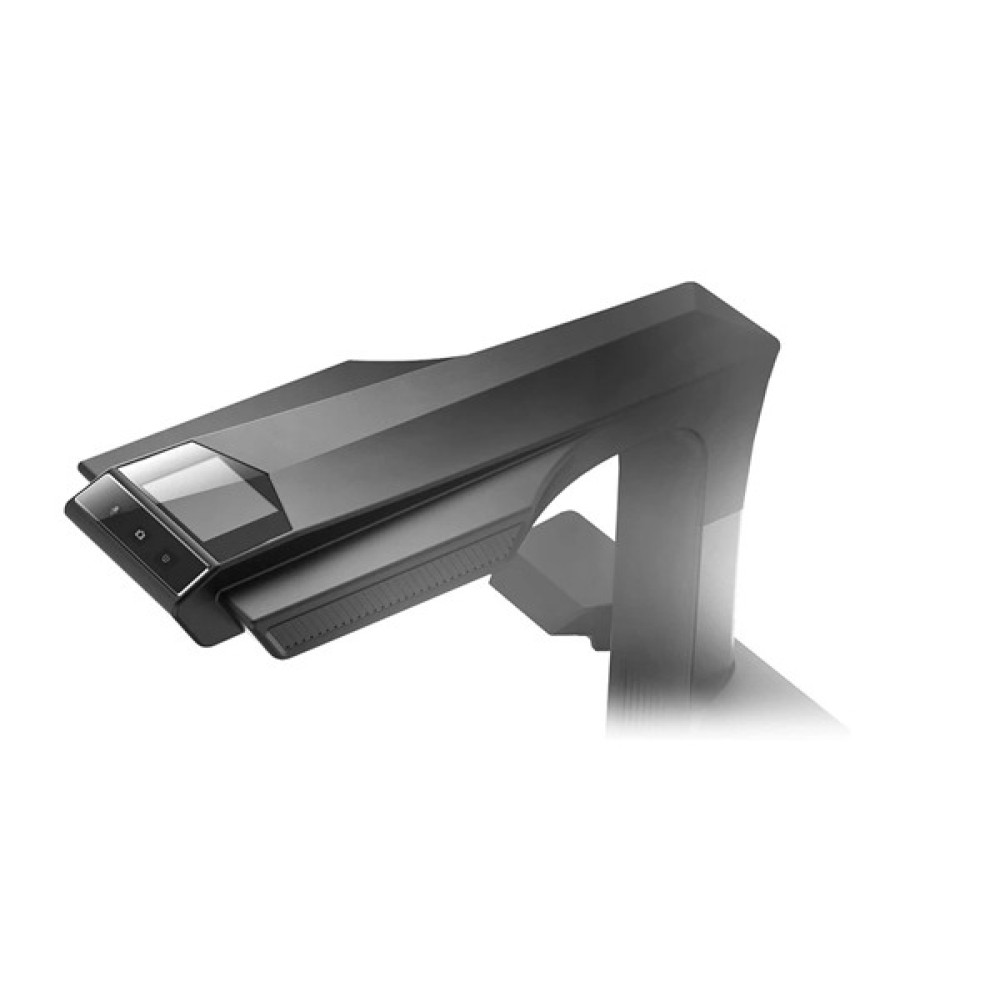
- Built-In 2.4-inch Display— shows scan status directly on the unit without needing a connected PC.
How Does It Work?
Instead of scanning from underneath like a traditional flatbed device, the M3000 Pro V3 sits above the document and photographs it downward using its 48MP camera. As soon as the image is captured, onboard processing kicks in — the 3-laser system maps and corrects the curve of an open book page, the software auto-crops the frame, straightens any tilt, and strips out background shadows or a stray finger holding the paper in place. From there, the ABBYY OCR engine can read text in more than 180 languages and convert the image into an editable Word or Excel file, or a text-searchable PDF. The unit connects over USB 2.0 for standard scanning software use, and separately, its HDMI output lets it act as a live camera feed for presentations.
Who Is CZUR M3000 Pro V3 For?
This isn't a scanner built for occasional home use — it's aimed at organizations with a steady, higher volume of paper to process:
- Libraries and archival institutions preserving books, periodicals, and historical collections
- Government and public service offices processing citizen forms, records, and certificates
- Schools and universities building digital course materials or archiving academic files
- Law firms and corporate offices managing contracts, invoices, and compliance paperwork
- Digitization or scanning service businesses that need speed and OCR accuracy as part of their offering
Someone scanning a handful of receipts occasionally would likely find a smaller, cheaper scanner more practical — this unit is built for scale.
Is CZUR M3000 Pro V3 Good for Book Digitization?
Yes. Its cradle and 3-laser flattening system exist specifically to scan open books without flattening or straining the binding, which sets it apart from standard flatbed scanners in this use case.
Is CZUR M3000 Pro V3 Good for Office and Archive Work?
Yes. A3 flat-page support, automatic cropping and straightening, and export into PDF, Word, or Excel formats make it well suited to processing invoices, contracts, and administrative records in bulk.
Is CZUR M3000 Pro V3 Good for Creating Editable, Searchable Files?
Yes.The ABBYY OCR engine covers 180+ languages, so scanned pages can come out as editable Word/Excel documents or as searchable PDFs rather than static images — useful for record retrieval and text search.
Is CZUR M3000 Pro V3 Good for Presentations or Training Sessions?
Largely yes. Its HDMI output and visual-presenter function let it display physical objects or documents live on a screen, making it a secondary tool for classrooms, service counters, or training rooms alongside its core scanning role.
What Should You Know Before Buying?
- Connection type: Uses USB 2.0 High-Speed for computer-based scanning; HDMI is available separately for presenter mode.
- OS compatibility: Works with both Windows and macOS.
- Physical footprint: At roughly 505 × 520 × 425 mm and 4.5 kg, it needs a dedicated, stable surface rather than a compact desk corner.
- Supported sizes: Flat documents up to A3; books up to A4.
- Output formats: JPG, PDF, searchable PDF, Word, Excel, TIFF, PNG, and BMP.
- What it can scan: Documents, books, magazines, files, scrolls, forms, invoices, certificates, business cards, and even small 3D objects like sculptures.
- Availability status: This model is currently listed as Pre-Order — confirm real-time stock and delivery timing before ordering.
- Payment flexibility: EMI installment plans through multiple partner banks are available for qualifying buyers.
Where Can You Buy CZUR M3000 Pro V3 in Bangladesh?
Multimedia Kingdom carries the CZUR M3000 Pro V3 Document Scanner in Bangladesh, with a physical showroom on New Elephant Road, Dhaka, and online ordering available nationwide. Since the listing currently shows Pre-Order status, it's best to contact Multimedia Kingdom directly to verify stock timing, confirm pricing, and check EMI eligibility before placing an order. The store also provides after-sales support for CZUR products purchased through its platform.
Check Out also Related Product & Categories : CZUR Shine Ultra 1400 A3 Pro.